 Template
Standards
Flyer library pattern
Use FlyerLibrarySection for evergreen awareness flyers that have no event date and are not a news article.
Example
Real flyer graphics, not stock photos — a flyer should read as an actual flyer, not a placeholder image.
Flyer library
Printable flyers for recurring rescue events.

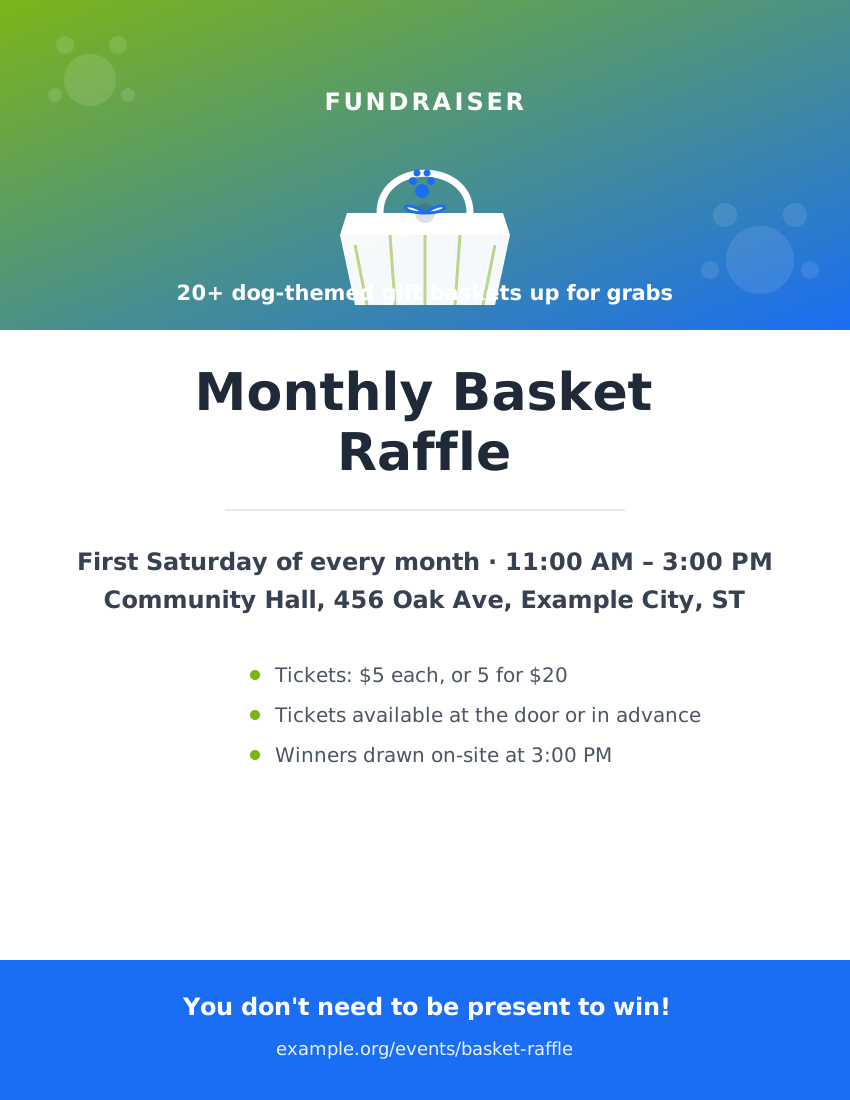
Standard
- Use `FlyerLibrarySection` for undated, non-news awareness/informational flyers (foster recruitment, volunteer recruitment, spay/neuter awareness, safety education, recurring-event promotion, etc.).
- Never combine flyer content with `EventsNewsSection`'s dated event/news data — a flyer belongs here specifically because it has no date or venue. A flyer advertising a *recurring* event (e.g. "every Friday" or "first Saturday of the month," like the two examples above) still qualifies as evergreen — it never goes stale the way a one-time, dated event flyer would.
- Use a designed flyer graphic (poster-style artwork) rather than a stock/generic photo — it reads as an actual flyer rather than a placeholder image, as shown in the two examples above.
- `category` is required on every `FlyerLibraryItem` so filter pills stay meaningful; an uncategorized flyer would otherwise be unreachable in a filtered view. Supported categories: `foster`, `volunteer`, `spay-neuter`, `safety`, `general`.
- Core flyer images render via anchor + `img`, so browsing works without JavaScript.
- Category filter pills are optional and only appear when more than one category is present in the data; the lightbox is an optional progressive enhancement, not the primary access path, and supports previous/next controls plus keyboard arrows/Escape.
- Download uses a plain `<a download>` link to `downloadHref ?? src`, not the Printable Material Module's print layout — flyers are pre-made images, not generated documents.
- `categoryFilter` locks the grid to one category and hides the pills entirely, even with mixed-category data — use it to embed a filtered teaser on another page (e.g. a foster flyer on the Foster page).
- Empty-state copy is visible when no flyers are provided.
- Defaults: `columns=3`, `showFilters=true`, `enableLightbox=true`.
- Component: `template/src/components/patterns/FlyerLibrarySection.tsx`